Dealing With Spam Comments on a WordPress Website

Your WordPress site received a suspicious comment with weird links or promotional content. Don’t worry—this is spam targeting your comments section, not a sign your site is compromised.
What’s Happening
Spammers submit comments through your WordPress comments form hoping:
- You’ll approve it and they get a link from your site
- Visitors will click their suspicious link
- You’ll think your site is hacked (you’re not)
The external website mentioned in the spam has no connection to cloudabove or your hosting. It’s just spam.
Remove the Spam
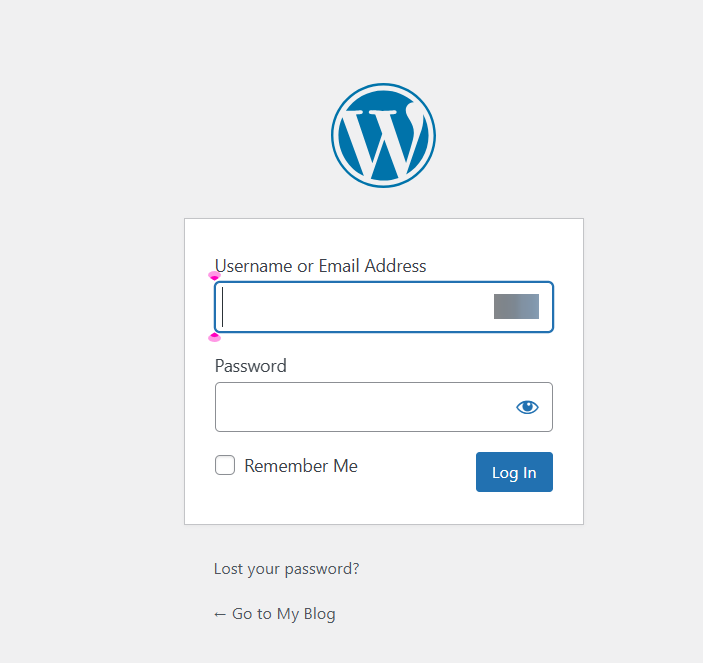
1. Log into WordPress admin
Go to your WordPress login page and sign in.
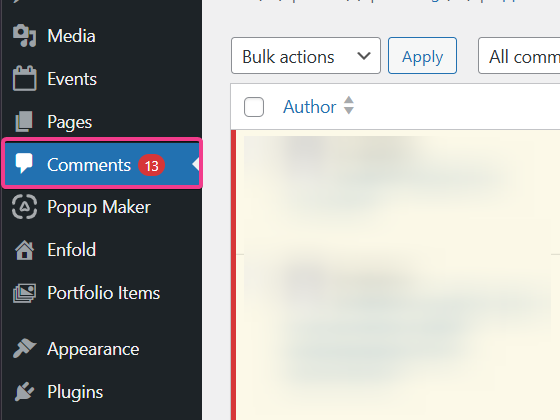
2. Go to Comments
From the left-hand menu, click Comments. You’ll see all comments awaiting moderation or already published.
3. Find the suspicious comment
Look through the list for the spam comment. You’ll spot it—odd wording, suspicious links, promotional text.
4. Delete it
Click on the comment to expand it. You’ll see options to:
- Spam — Mark it as spam (trains your spam filter for future similar comments)
- Trash — Delete it permanently
Click Spam. WordPress will remove it and remember this type of comment for next time.

5. Verify it’s gone
Visit the post or page where the comment was left. Confirm the comment is no longer visible to visitors.
Prevent Future Spam
If you’re getting spam comments regularly, tighten your defenses:
- Log into WordPress admin
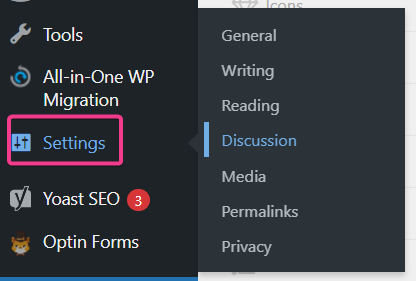
- Go to Settings > Discussion
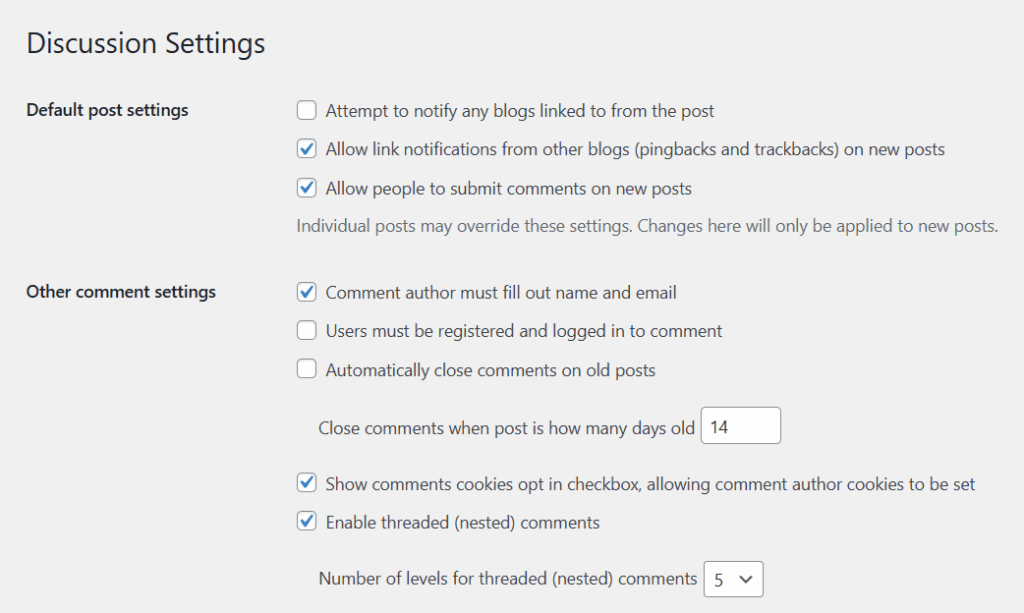
- Review these options:
- Comment moderation — Require manual approval before comments appear
- Comment author whitelist — Only auto-approve repeat commenters you’ve already approved
- Require name and email — Discourages spam bots
- Enable anti-spam plugin — Consider Akismet or similar
Is Your Site Actually Compromised?
If you’re seeing spam comments repeatedly, or if the comments seem connected to suspicious activity on your site (like files you didn’t add), contact support with the affected domain and a brief description of what you have found. We can review the site and confirm it’s just spam targeting, not a breach.