Import an existing Git repo in Scout Control Panel

If you’ve recently migrated a site into Scout that was previously deployed using Git, you can easily import the Git configuration to continue using Scout‘s Git features
- Login to Scout Control Panel through your cloudabove customer area (my.cloudabove.com)
- Open the site’s settings via Site and then Settings
- Select the Git tab from the top menu
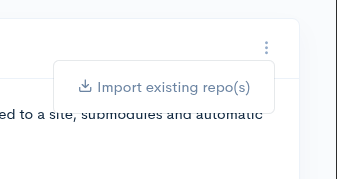
- Click the three-dot menu on the right-hand side and click Import existing repo(s)