How to login to Plesk

You can easily login to Plesk through your cloudabove account.
Logging into Plesk through your cloudabove customer account
When logging in through your account, you don’t need to know your cPanel username or password.
- Login to your cloudabove customer account at my.cloudabove.com
- Select Services
- Click on the service you wish to manage
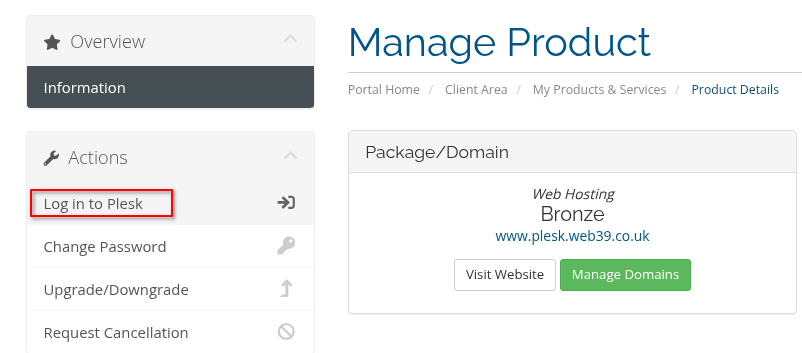
- Click Login to Plesk on the left-hand side