Creating an FTP account (cPanel)

There’s various different ways to access/edit your files on your hosting, such SSH, FTP or simply using the File Manager in the hosting control panel.
This guide will show you how to setup an FTP account to access your hosting.
1. Login to your cPanel account. When you first set up an account with us, you would have received an email with the details on how you can gain access to your control panel. If you have lost those details, feel free to raise a support ticket, visit our website for live chat, or call in.
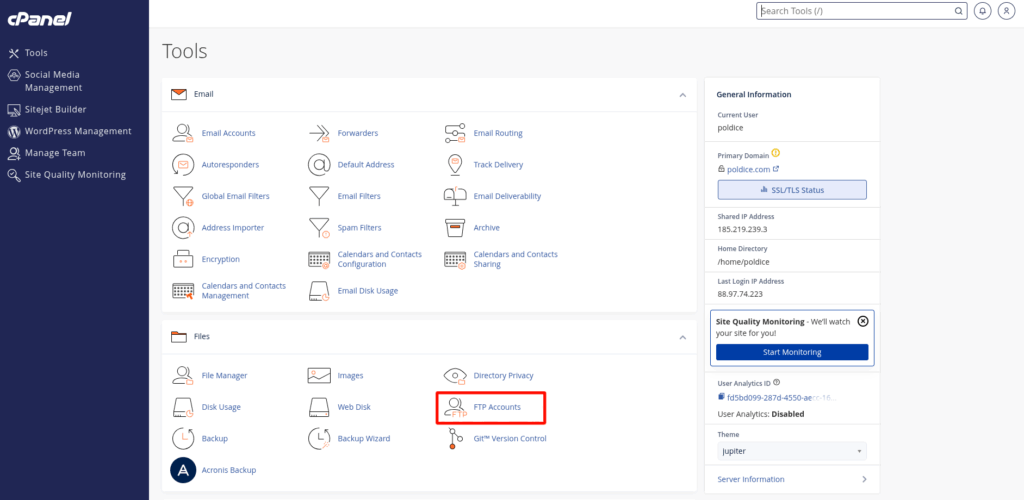
2. Navigate to FTP Accounts.
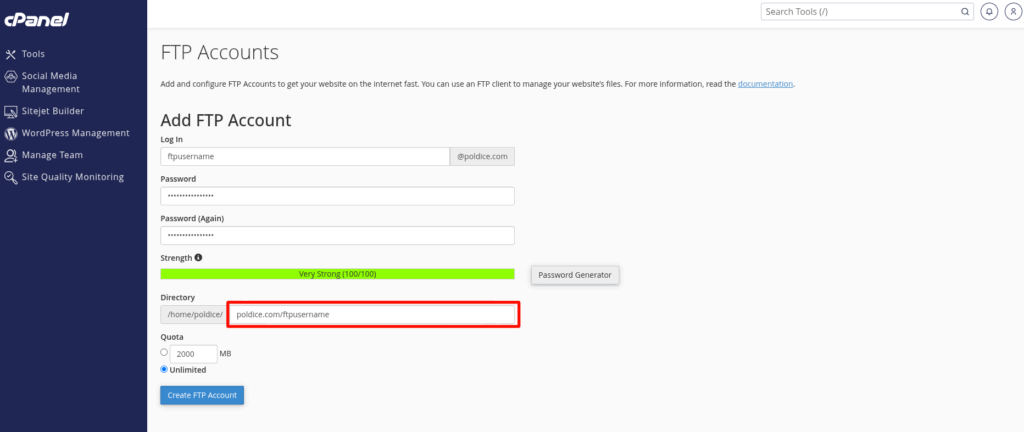
3. Add the desired details such as the FTP Username and FTP Password.
4. Click Create FTP Account to create the account.
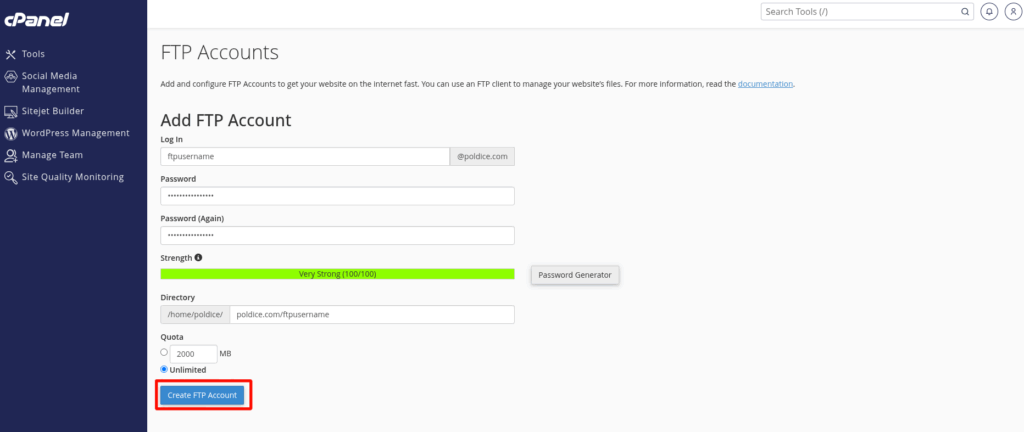
That’s it, you’ve now created a new FTP account in cPanel.
If you are running into any issues or have any further questions or concerns, please don’t hesitate to get in touch.