Password protecting a site in Scout

If you need to password protect one of your sites (e.g. a staging or development site) that’s hosted on our Scout Control Panel, simply follow these steps:
- Login to your Scout Control Panel
- Navigate to Sites and click on the site (or the settings cog) you wish to protect
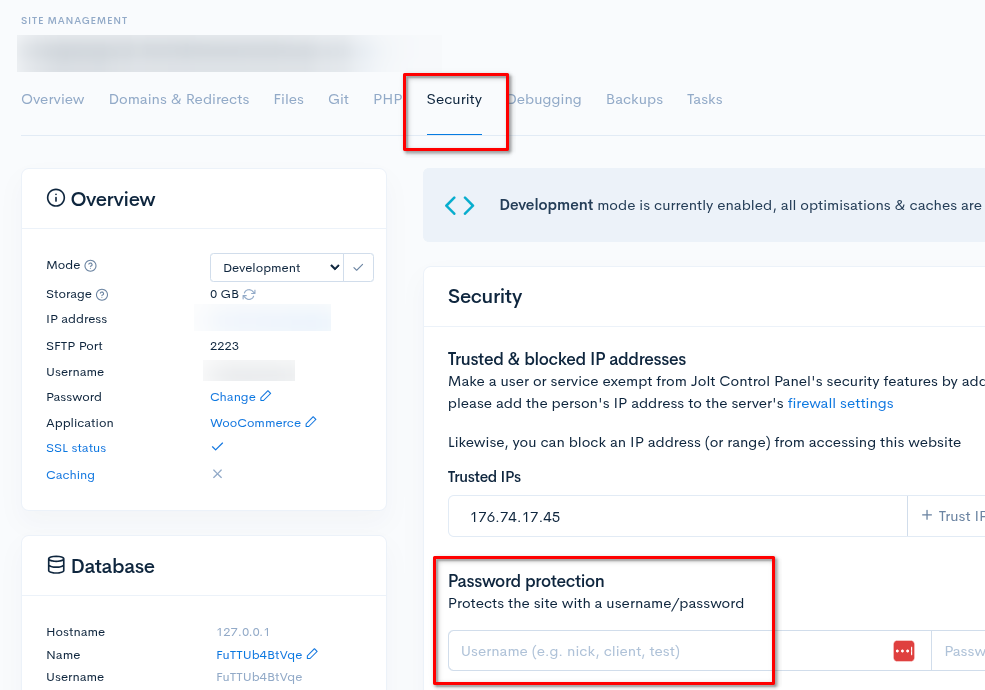
- Select the Security tab
- Under Password protect, enter a username and password
- Click Enable protection