Portal Login Credentials & Account Access Recovery

This article explains how your portal login works, which email address is used as your username, and what to do if you’ve lost or forgotten your credentials. It also clarifies the difference between portal access and hosting control panel access, and when to contact support for help.
Portal Username: Which Email Address Is Used
Your portal username is always the email address registered on your client account in WHMCS. This is the primary contact email you provided when your account was created and is used for:
- Logging into the customer portal
- Receiving invoices and billing notifications
- Support ticket updates
- Password reset emails
If you are unsure which email address is on file, our support team can confirm it for you.
Requesting a Password Reset or Credential Resend
If you cannot find your login details or have never logged in before, you can easily request new credentials.
Password Reset (Self‑Service)
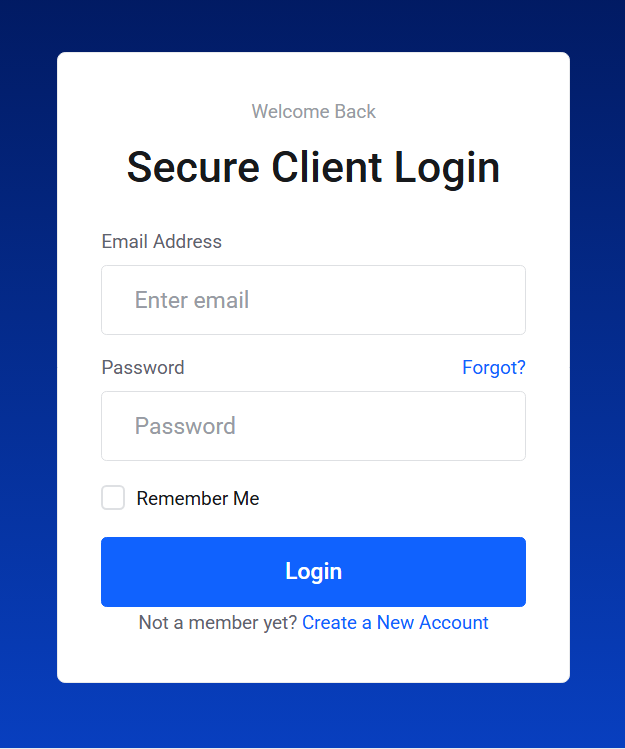
- Go to the cloudabove portal login page.
- Click Forgot Password.
- Enter the email address associated with your account.
- A password reset link will be sent to that address.
If the email does not arrive, check your spam/junk folder.
Credential Resend (If You’re Unsure of the Email Address)
If you are not sure which email address is registered, or you no longer have access to it, contact support. We can:
- Confirm the email address on file
- Update the account email after verification
- Resend your portal login details
If You’ve Forgotten Your Portal Password
If you know your username but not your password, simply use the Forgot Password link on the login page. A reset link will be emailed to the address on file.
If you cannot access that email inbox, contact support so we can verify your identity and help restore access.
Portal Access vs. Plesk / Control Panel Access
These two systems are separate and use different credentials.
Customer Portal (WHMCS)
Used for:
- Billing and invoices
- Updating account details
- Managing services
- Opening and tracking support tickets
Credentials: Your customer account email and portal password
Plesk / Hosting Control Panel
Used for:
- Website and domain management
- Email account creation
- File and database management
- DNS settings
Credentials: A separate username and password specific to your hosting service (These are not the same as your portal login.)
If you lose your Plesk or control panel credentials, support can regenerate or resend them.
When to Contact Support
Please contact support if:
- You no longer have access to the email address on file
- You are unsure which email address is registered
- Password reset emails are not arriving
- You need Plesk/control panel credentials resent
- You suspect your account has been compromised
- You require identity verification to regain access
Our team will assist you securely and promptly